

First: how does it switch off?
Pay attention to what happens just before it shuts down, because each symptom points to a different cause:
| What you notice | Most likely cause |
|---|---|
| The message “Your PS5 is too hot” appears, or the fan runs at full speed before it switches off | Overheating |
| It switches off in demanding games after a while, but not in the menu | Overheating: dust or degraded liquid metal |
| It switches off suddenly, with no warning and no noise beforehand, even in the menu | Power: plug, power strip or power supply |
| It switches off at the same time as the TV, or when you turn the TV off | HDMI setting (device link) |
| It switches off and then won’t turn back on | A fault that needs to be checked in the workshop |
Why your PS5 turns itself off
1. Overheating caused by dust
The PS5 fan draws in air and, with it, dust that builds up on the heatsink and the vents. Over time the air flows less well, the temperature rises and the console switches off to protect the processor. It usually gives warning signs: the fan gets noisier and the top of the console gets very hot.
2. The liquid metal on the processor
The PS5 uses liquid metal between the processor and the heatsink. If it shifts or loses contact with the chip after years of heat, the heat can’t escape properly even if the console is clean. We explain it in thermal paste or liquid metal: what your PS5 uses.
3. Poor ventilation around the console
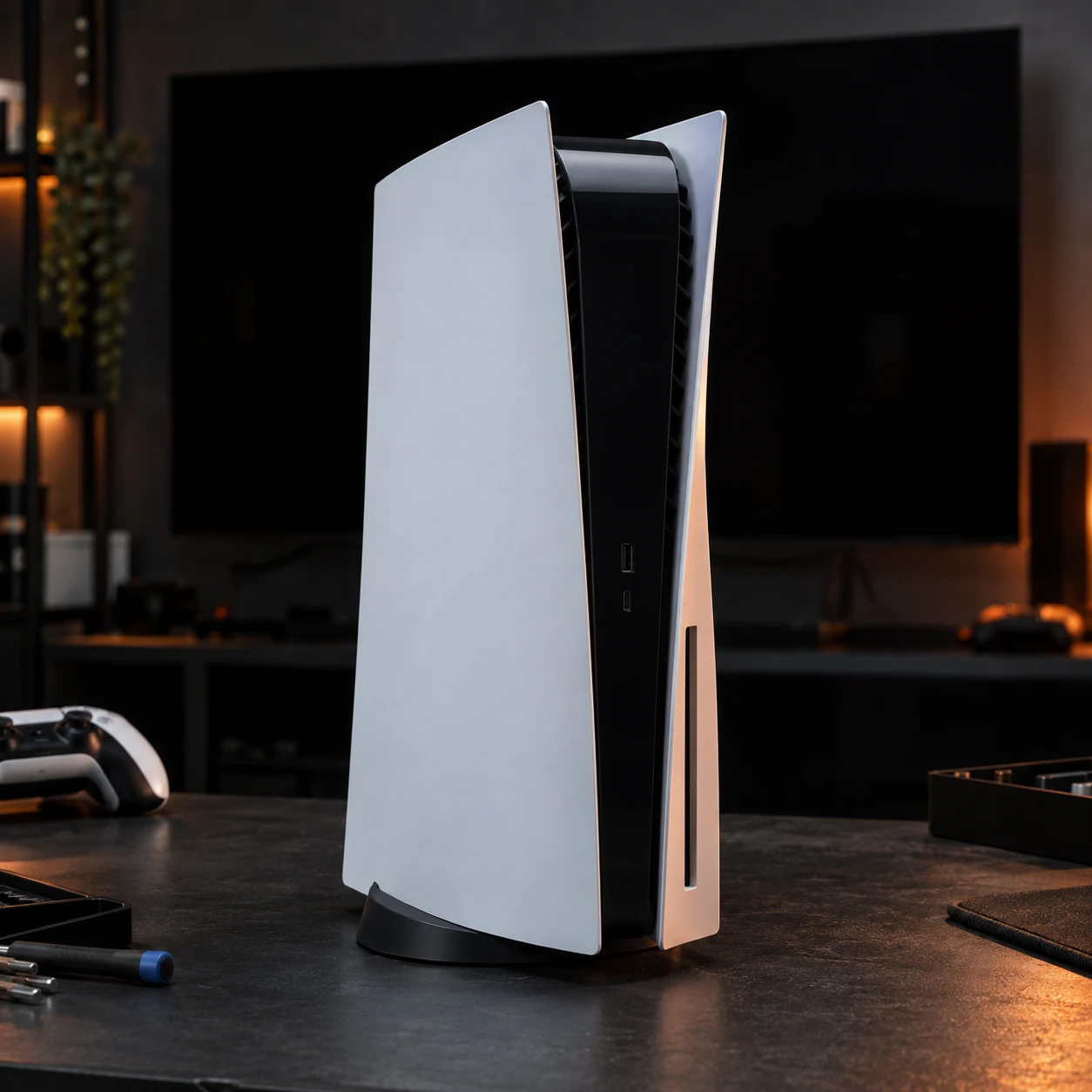
Inside a closed cabinet, pushed against a wall or with something on top, the PS5 ends up breathing its own hot air. It needs free space at the sides and at the back.
4. The plug or power strip
An overloaded power strip, a worn-out multi-plug adapter or brief power cuts can switch it off suddenly. In that case it turns off without warning, even when the console is cold.
5. HDMI device link
The PS5 can turn on and off together with the TV via HDMI. If the TV switches itself off to save energy, it takes the console with it.
6. Software or power supply
A system glitch can cause odd shutdowns, and it can be fixed by updating or rebuilding the database. If none of the above explains it, it could be the internal power supply or the motherboard: that needs to be checked with the console opened up.
What to try at home
- Give it space. Take it out of the cabinet, leave about 10 cm free at the sides and at the back, and don’t put anything on top.
- Clean the vents on the outside. With the console off and unplugged, gently vacuum the air intake and exhaust vents. Don’t push objects into the slots.
- Plug it straight into the wall. Remove the power strip for a couple of days and see if it stops switching off.
- Turn off HDMI link as a test. Go to Settings → System → HDMI and turn off Enable HDMI Device Link.
- Update the system. Go to Settings → System → System Software.
- Rebuild the database. Turn the console off, hold the power button until you hear the second beep to enter Safe Mode, then choose “Clear Cache and Rebuild Database”. It doesn’t delete your saved games.
If it keeps switching off, especially with the fan at full speed, the problem is inside: dust on the heatsink or degraded liquid metal. Opening it up for this is not a job for home, because liquid metal conducts electricity and a single drop out of place can damage the motherboard.
What we do in the workshop
At our workshop in Alcobendas (Madrid) we check the PS5 that turns itself off: we open it up, find the cause and, if it’s heat, we carry out an internal clean and a liquid metal replacement. If it isn’t giving you problems yet but the fan is already getting louder, there’s our PS5 maintenance. All console faults are covered in PS5 console repair. No-obligation quote and 3 months’ warranty.
Frequently asked questions
Is it normal for a PS5 to turn itself off?
No. When it switches off because of heat, it’s a protection to avoid damaging the processor, but it means something isn’t right. If it keeps happening, don’t ignore it.
Why does it switch off while I’m playing but not in the menu?
Because demanding games make the processor work at full power, which is when it generates the most heat. If the cooling can’t keep up, it switches off in the middle of a match.
Can I lose my saved games?
A sudden shutdown can corrupt the game you were playing at that moment. Saves stored in the cloud with PlayStation Plus are not lost.
Do the PS5 Slim and PS5 Pro also turn themselves off?
Yes, for the same reasons. All versions of the PS5 use liquid metal on the processor.
PlayStation and PS5 are registered trademarks of Sony Interactive Entertainment. Tigernicks is not affiliated with or sponsored by Sony.